Showing posts with label Office 365. Show all posts

Thursday, July 4, 2019

Windows 10 Update Fail and Reinstalling Office 365

For work, I run Windows 10 in a Parallels Desktop virtual machine. Today my Windows Update informed me that a cumulative update for Windows 10 from version 1809 (a.k.a. October 2018) to version 1903 (a.k.a. May 2019). Given that I've been experiencing performance issues, I was hoping that this update would fix those problems and gladly chose to install it. Everything appeared to go smoothly, and I was prompted to restart my machine. However, after a successful restart, I was notified that the update failed to install.


I'm not sure if it's related, but I found a Forbes article about how Microsoft has blocked Windows 10 updates for some Mac users, as well as a Windows Support article addressing the same issue. Neither of them specifically apply to Windows 10 updates on Parallels Desktop, but I wonder if the same underlying issue applies. In any case, I decided to wait for Microsoft to address its underlying issues and wait for the next update.

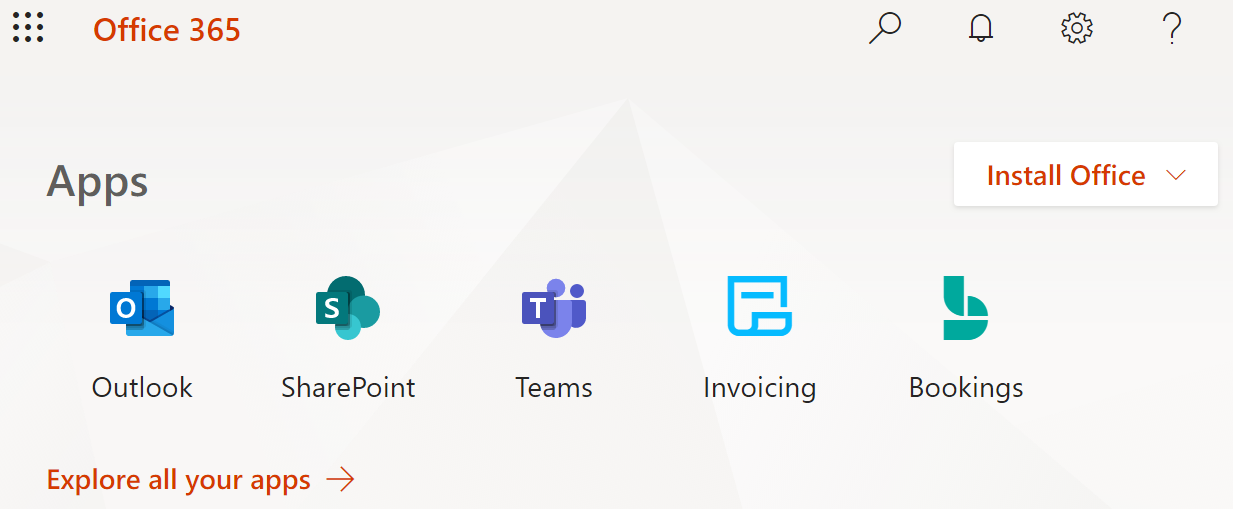
Shortly thereafter, I noticed that all of my Office 365 Business applications were missing: Outlook, Word, Excel, PowerPoint, etc. I assume that there were updates to those applications as part of version 1903, but since the update failed, I was left without any of those apps. Fortunately, I was able to easily re-install those apps without requiring any CD/DVD installer or password/serial number combinations. If you have an Office 365 Business account, use the following steps:

From there, simply follow the instructions and in a few short minutes you should be back in business, both figuratively and literally. Hope this helps!

Saturday, February 13, 2016

Downgrading to Office 365 on Windows 7

At work, we recently upgraded everyone's Windows 7 machines from Office 2013 to Microsoft's latest offering, Office 365. Everything was previously working fine in Office 2013, and although I understand that there are new features in Office 365, the "upgrade" comes at a steep price in my opinion. I am not referring to dollars and cents but rather in terms of a hit to my productivity. For example:

1) Launch Time. Office applications take longer to load in Office 365 than in Office 2013. I have not precisely quantified the difference, but it is palpable. I assume that this is a result of the applications being bloated with extra features and functions, none of which I am interested in using—I was perfectly fine with the "basics" in Office 2013 and even Office 2010 for that matter. Bring back the light weight and speed!

2) Complexity. Simple actions have now become a significant burden in terms of time and number of required clicks. In Word 2013, to save a document I would click File and then click Save As... to be presented with a dialog box. In Word 365, I click File, click Save As, then click Computer (there is a choice to save to one's local computer which I do 100% of the time, otherwise one can choose from a variety of cloud storage sites, none of which I plan to use), then click Browse (because it first shows a bunch of recently used folders). Only then do one get a Save dialog box. So what used to take 2 clicks now requires 4 clicks to different areas of my screen every time I want to save a document to my laptop. The same applies to a lot of other commonly used commands. Rather than bother me every time for something I am not planning to use, I wish there was an option to turn off all the cloud options to bring simplicity back to Office.

3) Instability. The issue that bugs me the most about Office 365 is that Outlook freezes repeatedly throughout the day (yes, I have tried repairing/reinstalling Office—twice, to no avail). Every few hours when I try to open an email message or calendar invitation or simply switch from Mail to Calendar view or vice versa, Outlook freezes and gives me a "Not Responding" message. Usually I switch to another application (other applications function normally while Outlook is not responding) or leave my desk to do something else (use the restroom, get coffee, etc.) for 1-2 minutes after which Outlook eventually "catches up" and starts working again. Quitting Outlook and re-launching it seems to temporarily prevent unresponsiveness, but after a few hours the issue invariably recurs. While the impromptu breaks are sometimes needed, usually they are disruptive to my train of thought.

Sometimes Outlook 365 never recovers from its unresponsive state, and I end up having to force-quit the application (through Task Manager > End Task).


This brings me to another pet peeve of mine. Upon force-quitting an unresponsive application, Windows boldly proclaims that it is checking for a solution to the problem:


Oh come on, Microsoft! Surely you jest! Not once have I ever seen a viable solution to a problem that your operating system claims to be checking for. Not for Outlook, Internet Explorer, or any of your other applications. NOT. EVEN. ONCE. Why do you offer a glimmer of hope that there is a solution to your application instability, when in reality there seems to be none?

While I'm sure that many people (at least dozens!) have welcomed the new version of Office into their lives, in my opinion, the "upgrade" to Office 365 has felt very much like a downgrade. If it were up to me (which unfortunately it is not), I would upgrade back to Office 2013. Obviously your mileage may vary, so feel free to leave a comment below.